Friends Tracker App for Live Location, ETA & Easier Meetups
Share live location with friends you trust, see when someone is on the way, and stay connected without repeated “Where are you?” messages.

Less “Where Are You?” Texting
OtoZen gives useful updates when a friend chooses to share them, so everyday plans need fewer calls and check-in messages.
Plans Changed
Check trip progress instead of asking again how far away they are.
Meeting Up
Use arrival and place updates to make everyday coordination easier.
Friends Tracker App
See More Than a Pin on the Map
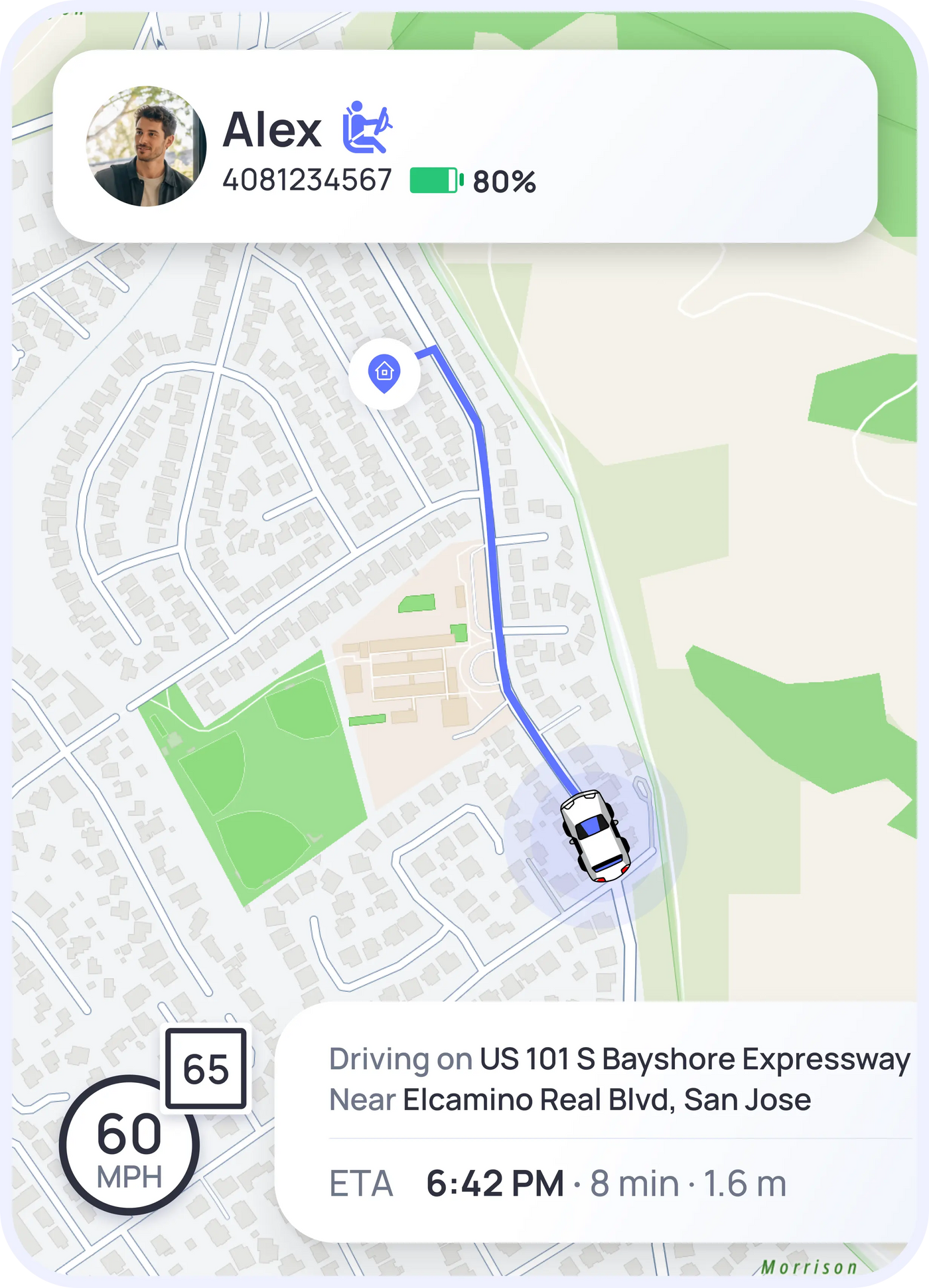
A basic friend locator app may tell you where someone is. OtoZen adds useful trip context when your friend is on the road.
Live Location
See where a friend is when location sharing is active.
ETA
Know approximately when they are expected to arrive.
Trip Progress
Follow useful journey information without repeated calls.
Place Alerts
Get useful arrival and departure updates for saved places.
Stay Connected Your Way
Live Location, ETA & Sharing Controls in One App
Useful friend-location context when you need it, with individual sharing choices when you do not.
Cross-Platform
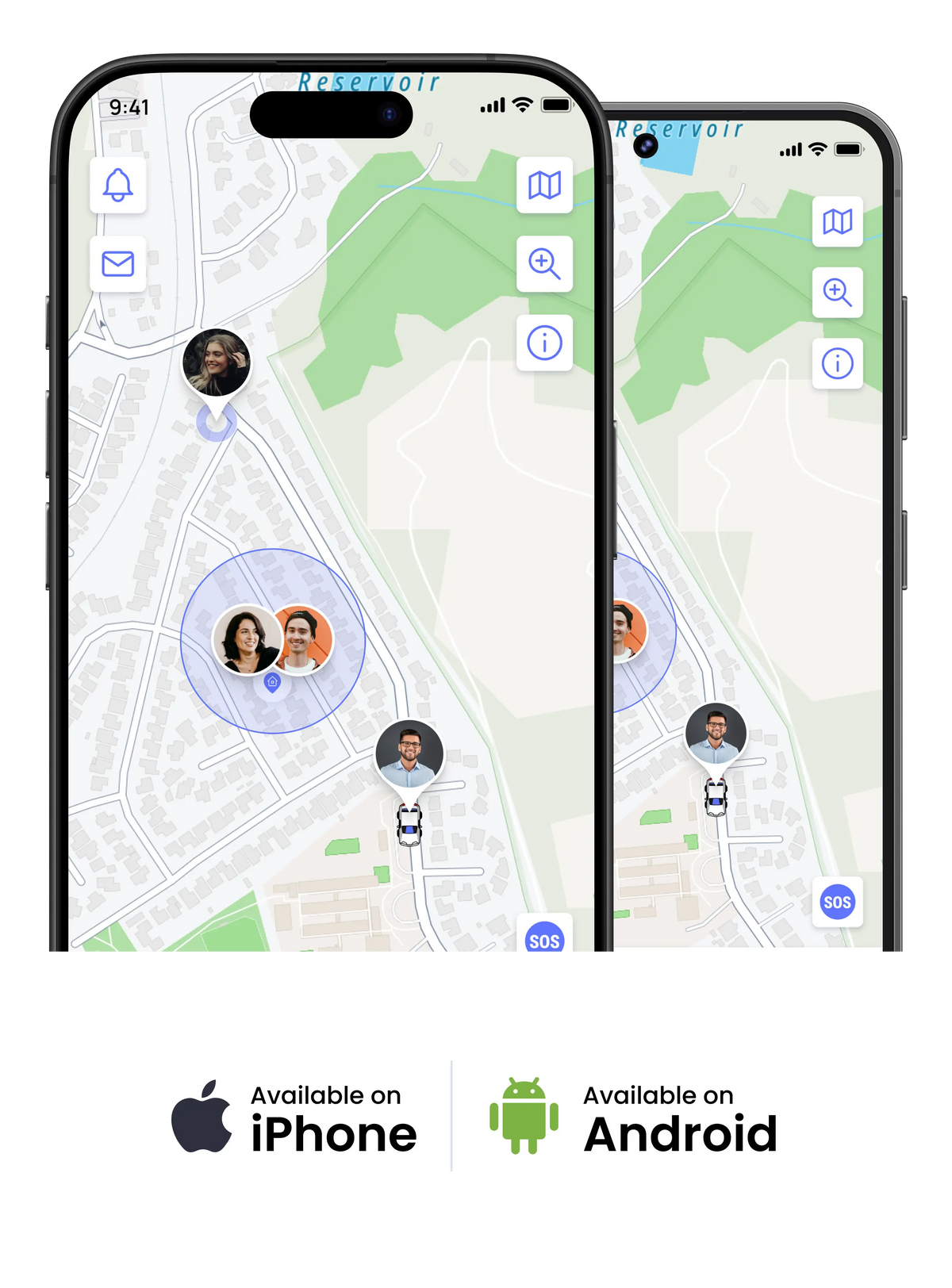
Share Location Between iPhone and Android
Your friends do not need to use the same type of phone.
OtoZen works on both iPhone and Android, making it easier to stay connected across different devices.
One friend can use iPhone while another uses Android.
Keep live location and ETA in one familiar experience.
No need to choose a location app only because of phone brand.
How It Works
Add Your Friend
Open the OtoZen app, tap Add Connection, and select Add New Connection. Choose a friend from your contacts or enter their details manually.
Enable Location Sharing
Your friend can open your connection profile and select Give Access to choose what location information to share.
Set Sharing Preferences
Choose how long location sharing should remain active. OtoZen supports flexible sharing options, including temporary and ongoing access.
View Your Friend's Location
Once your friend grants access, you can view their shared location on the OtoZen map and stay informed with available trip updates.
Share When It Helps. Stop When It Doesn’t.
Use location sharing for the situation you are in instead of making every connection permanently visible.
For a Few Hours
Useful for a meetup, night out or short plan.
Custom Schedule
Choose days and times that match a recurring routine.
While Driving
Keep sharing tied to the part of the journey when it matters.
Turn It Off
Change or stop sharing for an individual connection when needed.

Individual Sharing Controls
Different Friends. Different Sharing Choices.
You should not have to share the same information with everyone.
OtoZen uses one-to-one location sharing, so you can manage each connection individually and choose what makes sense for each person and situation.
Individual Connections
Useful when meeting a friend, going out, or traveling together.
Choose What You Share
Keep location sharing connected to the part of the trip when it is most useful.
Manage Each Friend Separately
Choose specific days or times when sharing should be active.
Stay in Control
Change an individual connection’s sharing settings whenever you no longer need location access active.
Made for the Moments Friends Actually Need Location Sharing
Location sharing is most useful when it solves a real coordination problem—not when it becomes constant monitoring.
Know When They’re Close
See live location and ETA instead of sending another “How far are you?” message.
Follow Trip Progress
Stay updated while friends travel to the same destination or meet you later.
Share for the Time You Need
Keep a trusted friend informed during the part of the evening when it is useful.
Make Reconnecting Easier
Use location sharing as extra context when plans or meeting points change.

Privacy & Control
Location Sharing Should Feel Helpful, Not Controlling
A friends tracker app should not mean secretly following someone. Location sharing works best when everyone understands it and chooses how they participate.
Choose who can see your location.
Use different settings for different connections.
Limit access to certain times or situations.
Change or stop sharing when you no longer need it.
What OtoZen Users Say
Helpful Information. Less Back-and-Forth.
Answers to Common Questions
A friends tracker app helps people who choose to connect share location information. OtoZen combines live location with ETA, trip updates and individual sharing controls.
Yes. Connected OtoZen users can share live location according to the permissions and sharing settings they choose.
Yes. OtoZen is available for both iPhone and Android, so friends do not need to use the same mobile platform.
No. OtoZen supports individual sharing choices, so your own location-sharing setting can be managed independently.
Yes. OtoZen supports temporary sharing and other time-based sharing choices for situations where permanent access is unnecessary.
Yes. Location-sharing settings can be changed for individual connections when you no longer want that access to remain active.
When the appropriate sharing settings are active, OtoZen can show useful trip information including live location and ETA.